 TextRaze

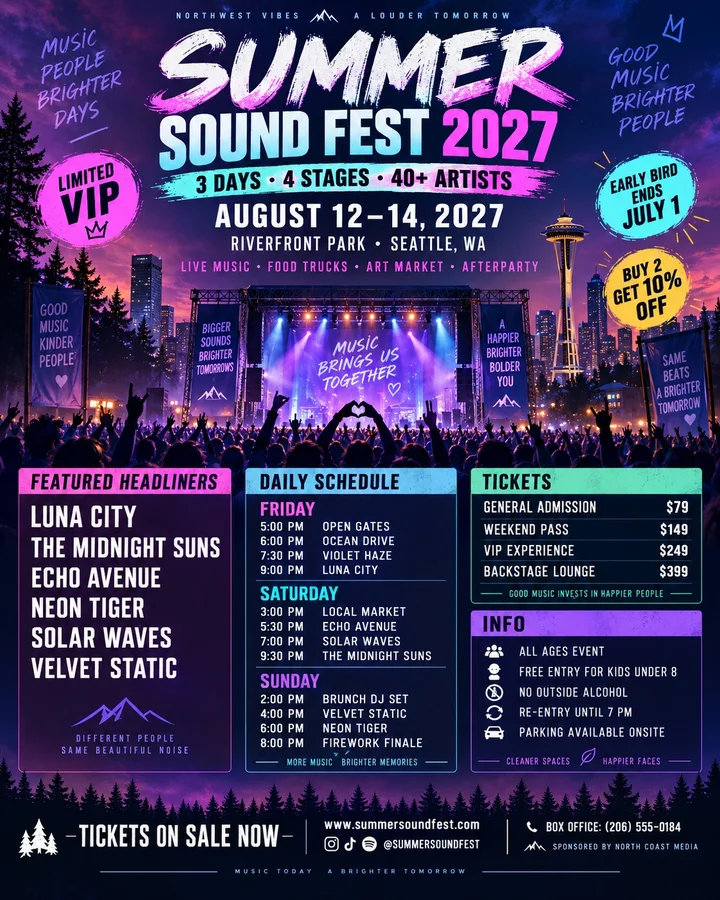
Posters and event graphics
Update a date, headline, or short message in a finished poster without starting the design again.
Draw a box around the text you want to change, enter the original words and their replacement, and let AI make the edit.
Drop your image here
or choose a file to get started
JPEG, PNG or WebP · Up to 3 MB
Restoring your edit…
Images are temporary. Anyone with an image link can view it. Download your result before leaving.
Upload and prepare your edit without signing in. Sign in with Google to generate.
Choose the text you want to replace and review the result before saving it.
Choose a JPEG, PNG or WebP image with readable text.
Draw a box around the words you want to change. Redraw it if needed.
Type the exact words currently shown inside your selection.
Type the wording you want to appear in that area.
Sign in with Google if needed, then let AI make the change.
Check the edited image against the original, then download your result.
SMALL EDIT. SAME CHARACTER.
Compare original images with AI-edited results. Check the new wording, its placement, and the surrounding details.


Drag the divider to compare, or select Original / Edited. Use arrow keys when focused.
01 / POSTER HEADLINE
A ribbon headline changes while the date and surrounding design remain in place.
Original
GRAND OPENING WEEK
Edited
ANNIVERSARY WEEK
Full AI-generated sample, edited with TextRaze.
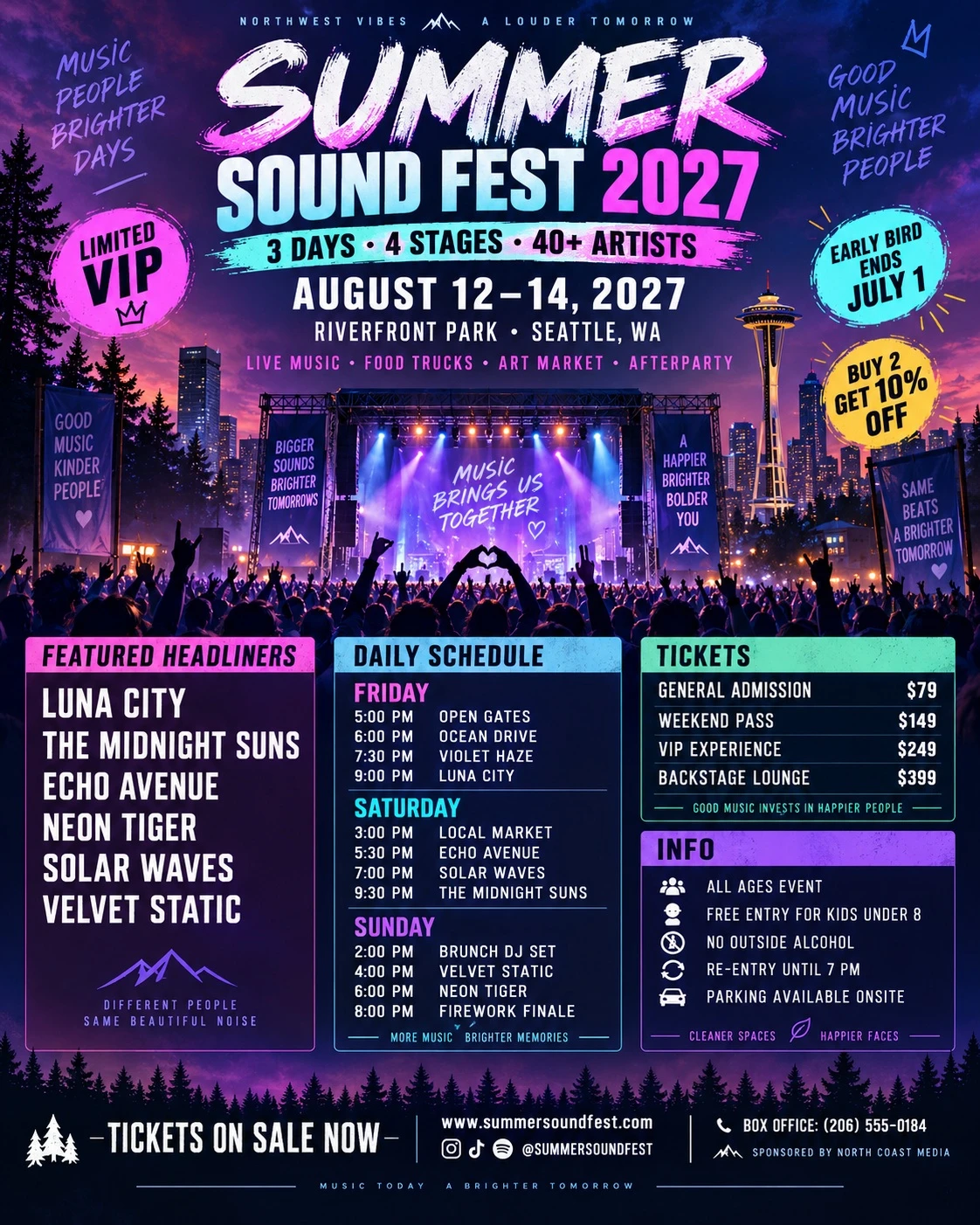
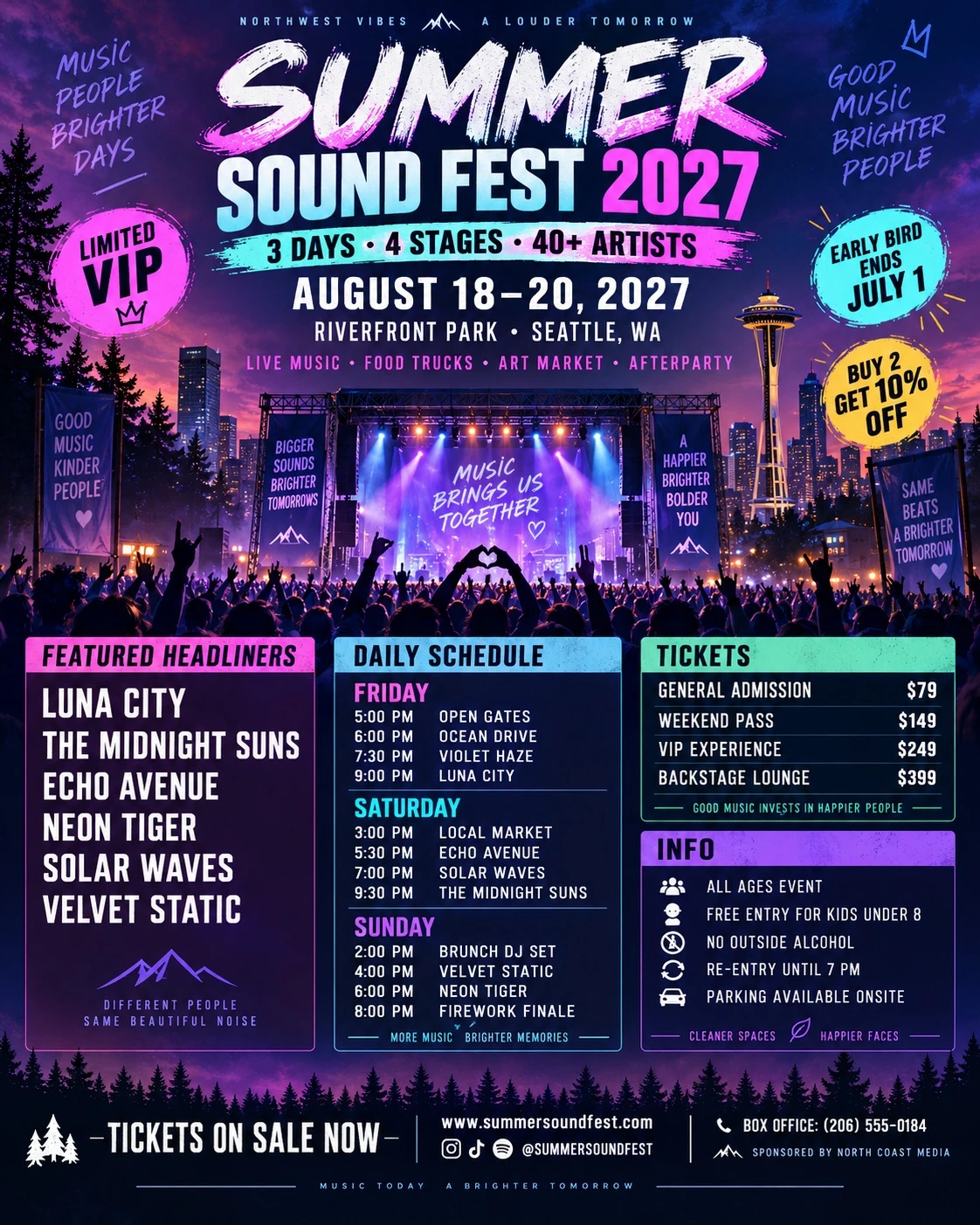
Drag the divider to compare, or select Original / Edited. Use arrow keys when focused.
AUGUST 12–14, 2027 AUGUST 18–20, 2027
Full AI-generated sample, edited with TextRaze.
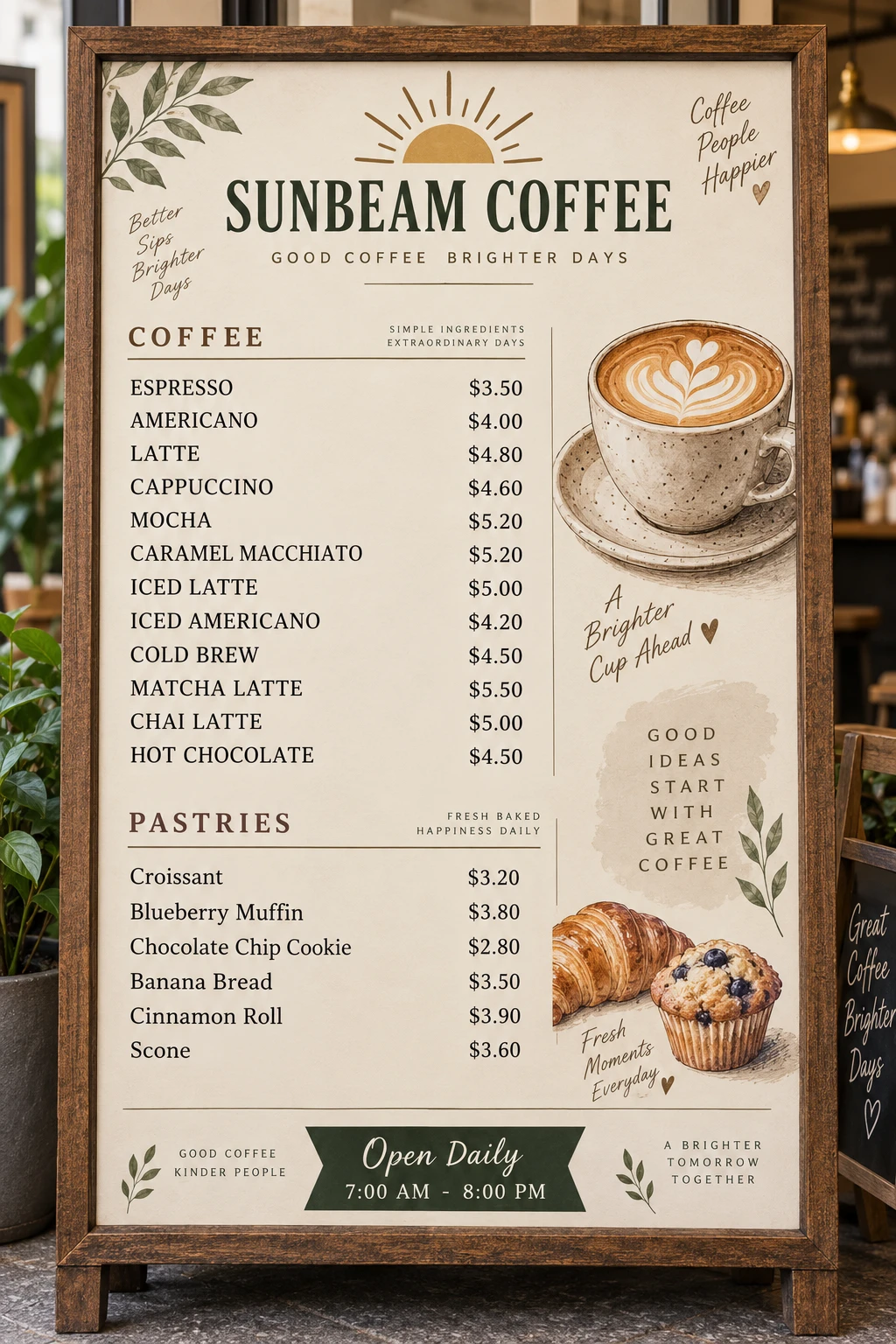
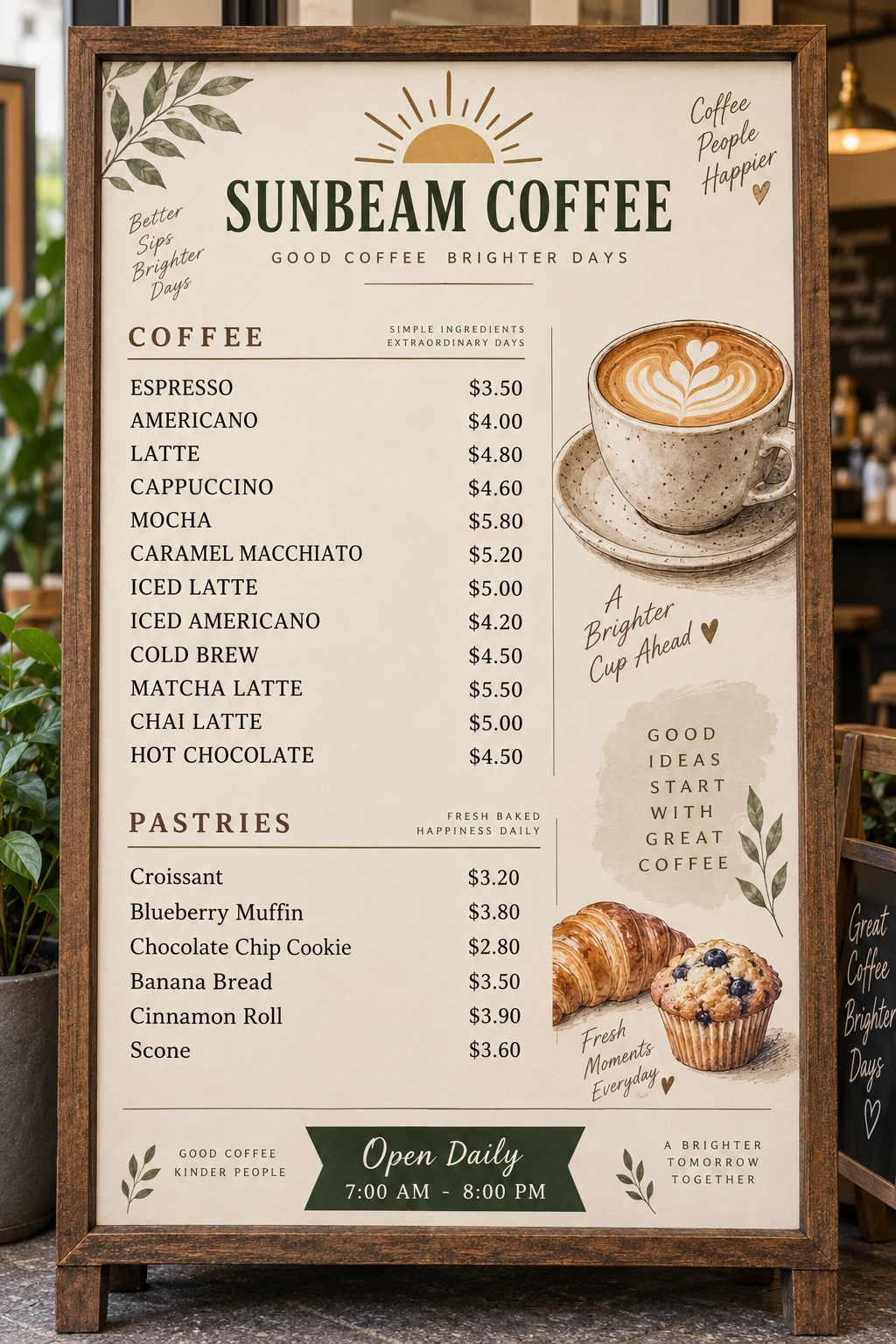
Drag the divider to compare, or select Original / Edited. Use arrow keys when focused.
$5.20 $5.80
Full AI-generated sample, edited with TextRaze.
Example AI edits. Results vary by image.
MADE FOR EVERYDAY UPDATES
Update a date, headline, or short message in a finished poster without starting the design again.
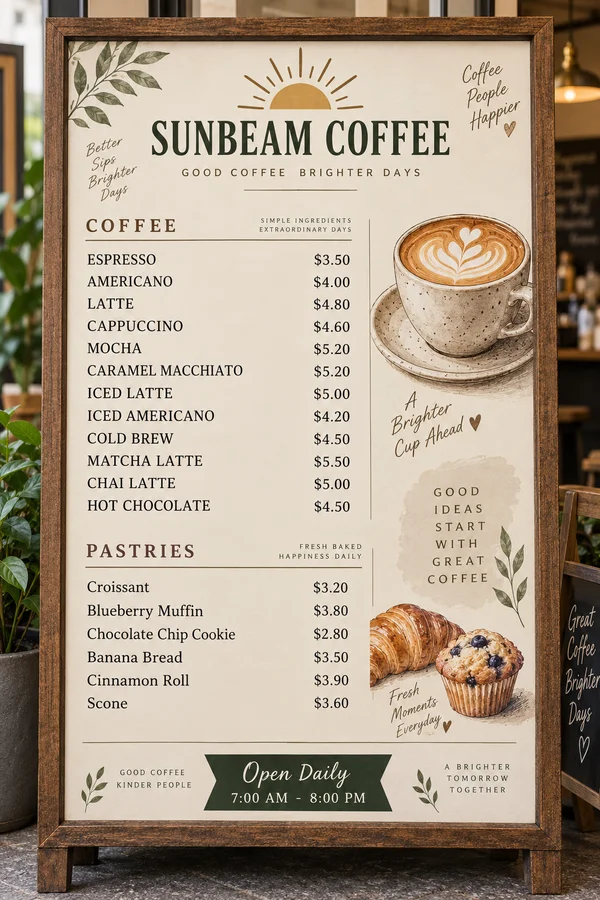
Replace a price or shop name in a photo. Review nearby words and numbers before using the result.

Refresh selected wording in an existing product graphic and compare the edit before downloading.
AI works with the font style, size, color, and placement already in your image.
Replace selected wording and review how it fits into the surrounding image.
Upload, select the text area, and enter both text fields before signing in to generate.
Download your result at the same pixel width and height as the source image.
Choose the credits that fit your work. Every successful edit uses 10 credits, with full-resolution download included.
For everyday fixes and occasional projects.
$9/ month
300 credits / month · about 30 generations
Unused monthly credits don't roll over.
More edits, with the lowest cost per edit in each billing option.
$29/ month
1200 credits / month · about 120 generations
Unused monthly credits don't roll over.
Need to switch plans? Email support@textraze.com.
Make a few edits or top up whenever you need. No subscription required.
$4.99
50 credits · about 5 generations
One-time payment. These credits never expire.
$19.90
250 credits · about 25 generations
One-time payment. These credits never expire.
For refund eligibility and subscription exceptions, read our Refund Policy.
A LITTLE MORE CLARITY
Make the text change you need, then review the result.